
How to save personal data on internet??

Your Digital Life Is an Amanah. Are You Protecting It?
I have lost two dozen ghazals.
Not misplaced. Lost. Gone — with no way to recover them.
Along with them: personal diaries, years of notes, ideas that came in the middle of the night and were never written anywhere else, photographs that cannot be retaken, videos of moments that will never return. The kind of losses that do not show up on any balance sheet but sit quietly in your chest for years.
I am not sharing this to create drama. I am sharing it because it took losing all of that for me to finally take my digital life seriously — and I do not want you to learn this the same way I did.
We live in an era where almost everything we create, remember, and document exists in digital form. Our ideas, our memories, our correspondence, our creative work, our family moments — all of it lives on devices and platforms that can fail, expire, get hacked, or simply disappear. And most of us have no system to protect any of it.
Your digital data is not just files and folders. It is your legacy. It deserves to be treated as an amanah.
Here is the system I have built — imperfect, still evolving, but far better than nothing.
The Foundation — Your Primary Email
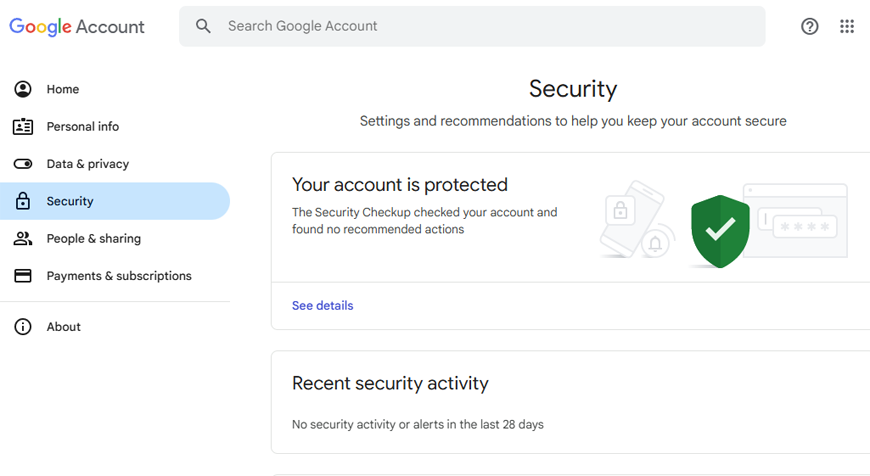
Everything begins here. Create one primary email address that serves as the master key to your entire digital life. This is not your casual inbox — this is your anchor account.
Once created, write down the following on paper and store it in a physical file: the email address itself, the date it was created, the recovery email linked to it, the phone number linked to it, and the backup codes. Then share this information with at least one trusted family member. This is not paranoia — this is wisdom. If you are ever injured, incapacitated, or when death comes as it must for all of us, your family should be able to recover what matters.
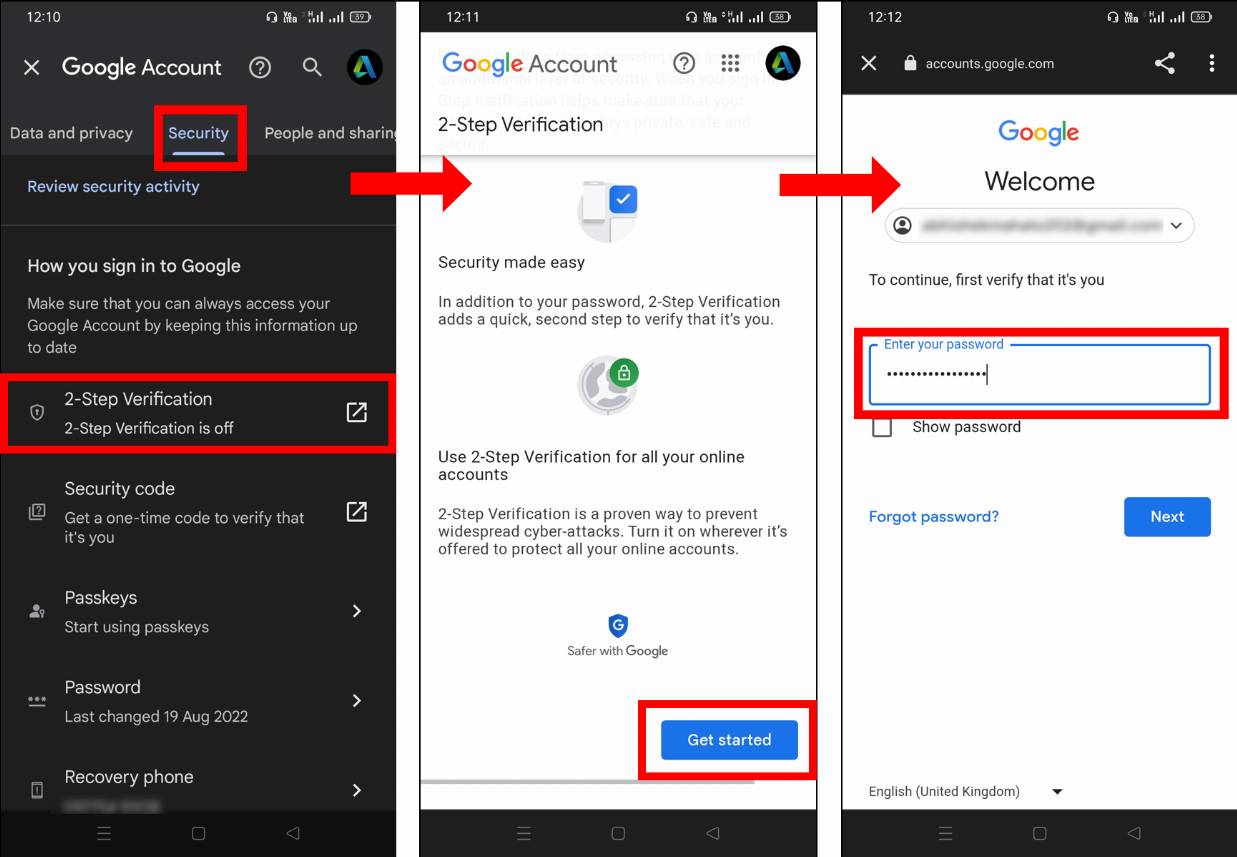
Secure this account with a strong password and two-step verification. This one account protects everything else.
Cloud Storage — Your Digital Safe
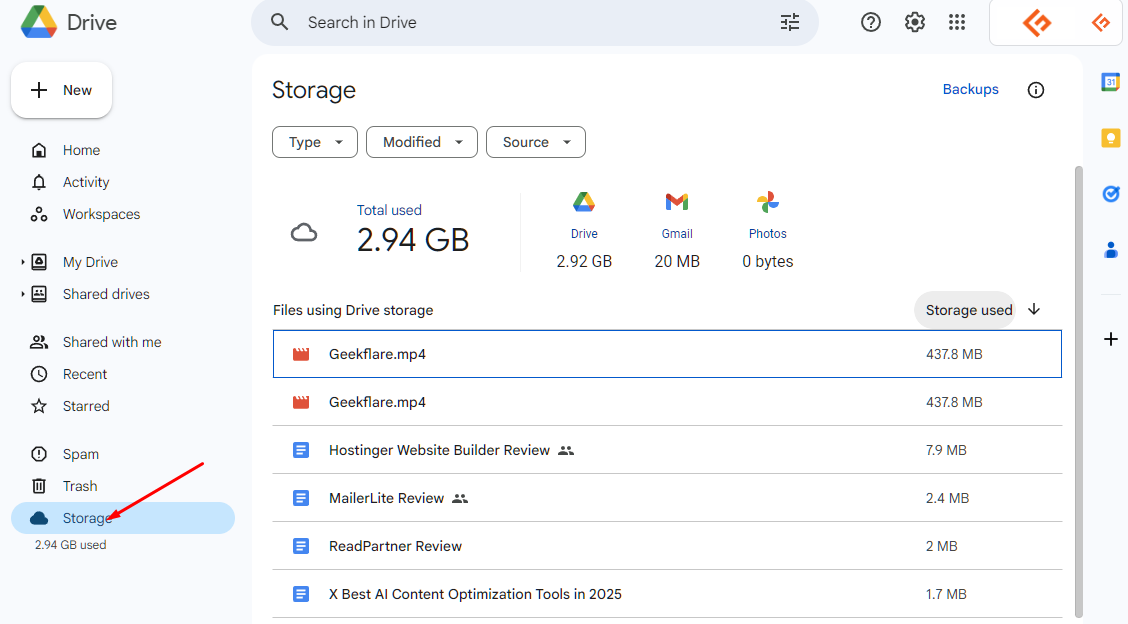
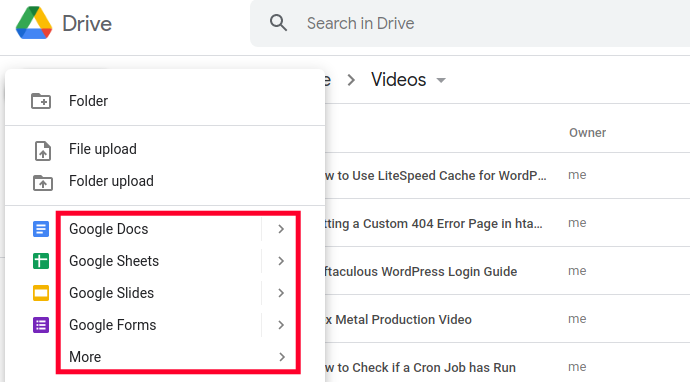
Google Drive and similar free cloud services are your first line of defence against loss. Create organised folders for your important documents, creative work, professional files, and personal records. Upload regularly — not once a year, not “when you remember.” Build it into your routine.
Multiple cloud options exist — Google Drive, Dropbox, OneDrive. Choose what works for you, but choose something and use it consistently.
Contacts — Your Relationship Archive
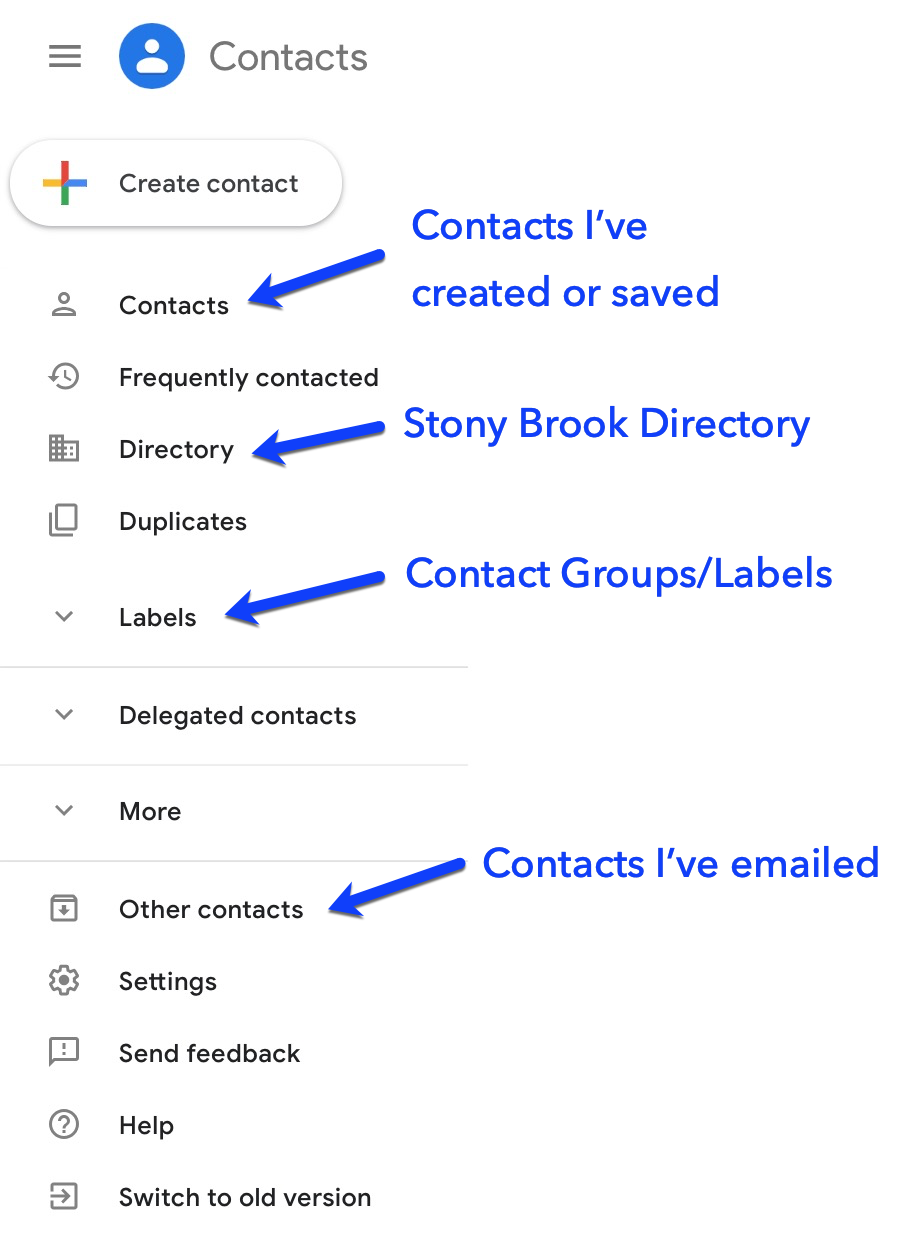
Your contacts are more valuable than most people realise. Losing them means losing years of relationships and references. Sync your contacts to your primary Google account so they are never tied to just one device.
A system I personally use: I create a group for each month — March 2024, April 2024 — and assign every new contact to that month’s group when I save them. I also add notes to each contact — how we met, what they do, the context of the connection. When you save hundreds of contacts over years, these notes become invaluable.
Browser — Sign In and Save
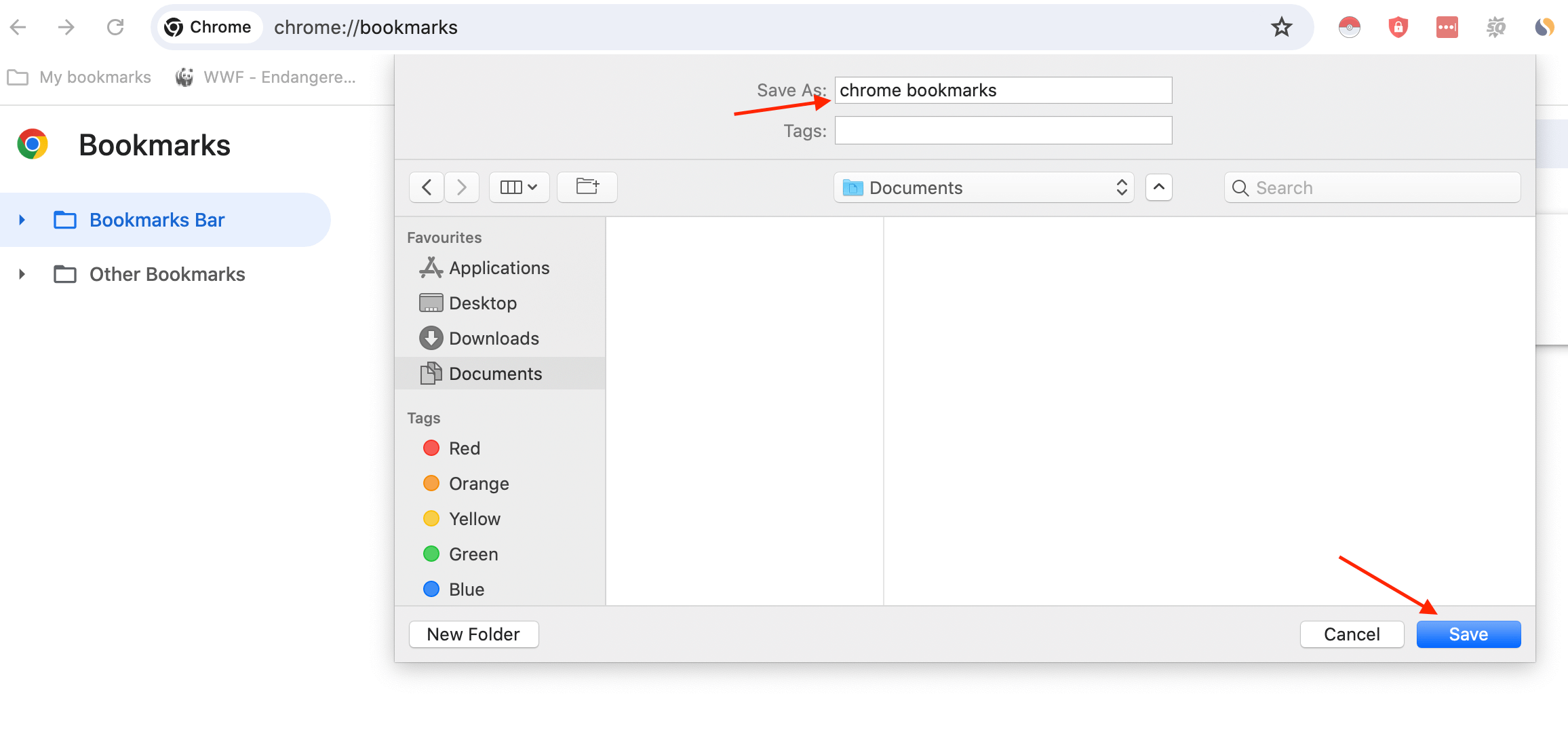
Sign in to Chrome with your primary email. Every bookmark, saved password, and browsing preference then follows you across all your devices and is never lost if your device is damaged or replaced.
Create a dedicated bookmark folder — I call mine “My Digital Existence” — where you save the URLs of every platform and website where you have a login. This becomes your map to your own digital life.
Passwords — Never Trust Your Memory
Use Google’s two-step authenticator to manage your passwords. Do not rely on memory, do not reuse passwords, and do not store them in an unsecured note on your phone. Your passwords are the locks on your digital home — treat them accordingly.
Videos — Your Family’s Archive
This one I feel strongly about. Create a private YouTube channel and upload your personal videos — family gatherings, your children growing up, important moments. Set them to private or family-only. What feels ordinary today becomes priceless in twenty years. Your grandchildren will watch these one day and be grateful that someone thought to save them.

Photos — Organised, Not Just Stored
Google Photos is a powerful, free tool — but only if you use it with intention. Upload everything. Create proper albums. Organise by event, by year, by family member. A heap of ten thousand unorganised photos is almost as useless as losing them entirely.
Writing and Ideas — Give Your Thoughts a Home
If you write — poetry, diary entries, reflections, ideas — give them a permanent home. A private WordPress blog works well. Set the privacy to whatever level you are comfortable with. The important thing is that your words exist somewhere safe, somewhere searchable, somewhere that is not just a notes app on a phone you will replace in two years.
I lost two dozen ghazals because I had no system. That will not happen again.
Hard Copies — Because Technology Can Fail
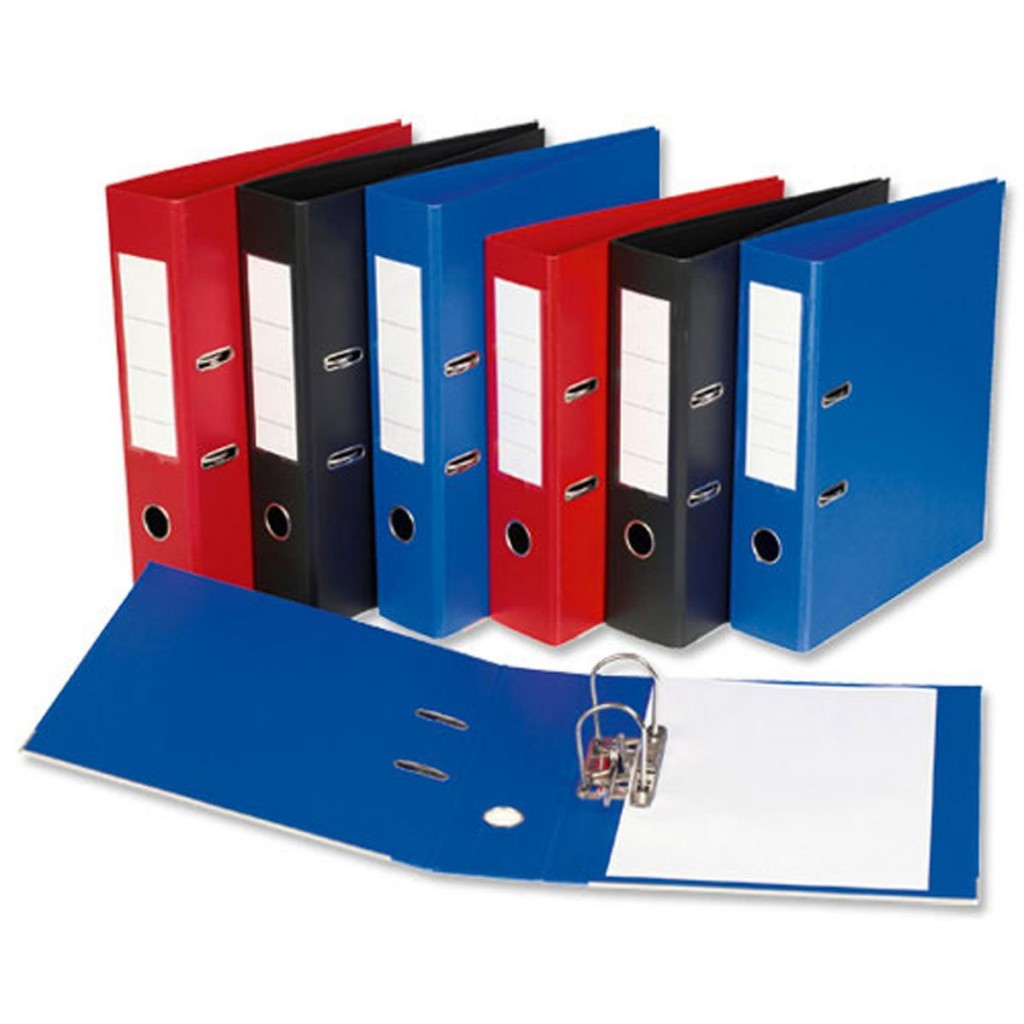
For the things that truly cannot be lost — print them. A physical file of your most important documents, your primary account details, your key passwords, your irreplaceable writing. Technology fails. Platforms shut down. Hard copies endure.
The Single Most Important Rule
Design your entire system so that access to one account — your primary email — gives you the path to everything else. If you can get into that one account, you can recover your entire digital life. Protect that account above all others.
These are my personal learnings, not the advice of an IT professional. If you work in technology or have deeper expertise in this area, I genuinely invite you to add to this, correct it, and help the community build better systems.
What I do know is this: every person deserves to live without the fear of losing what they have built, what they have created, and what they have remembered. Your memories, your ideas, your creative work — they deserve a system worthy of their value.
Build that system before you need it.
— Kamran Zahid, CEO, Purposelee
Responses