
Are you loosing work due to your email address?

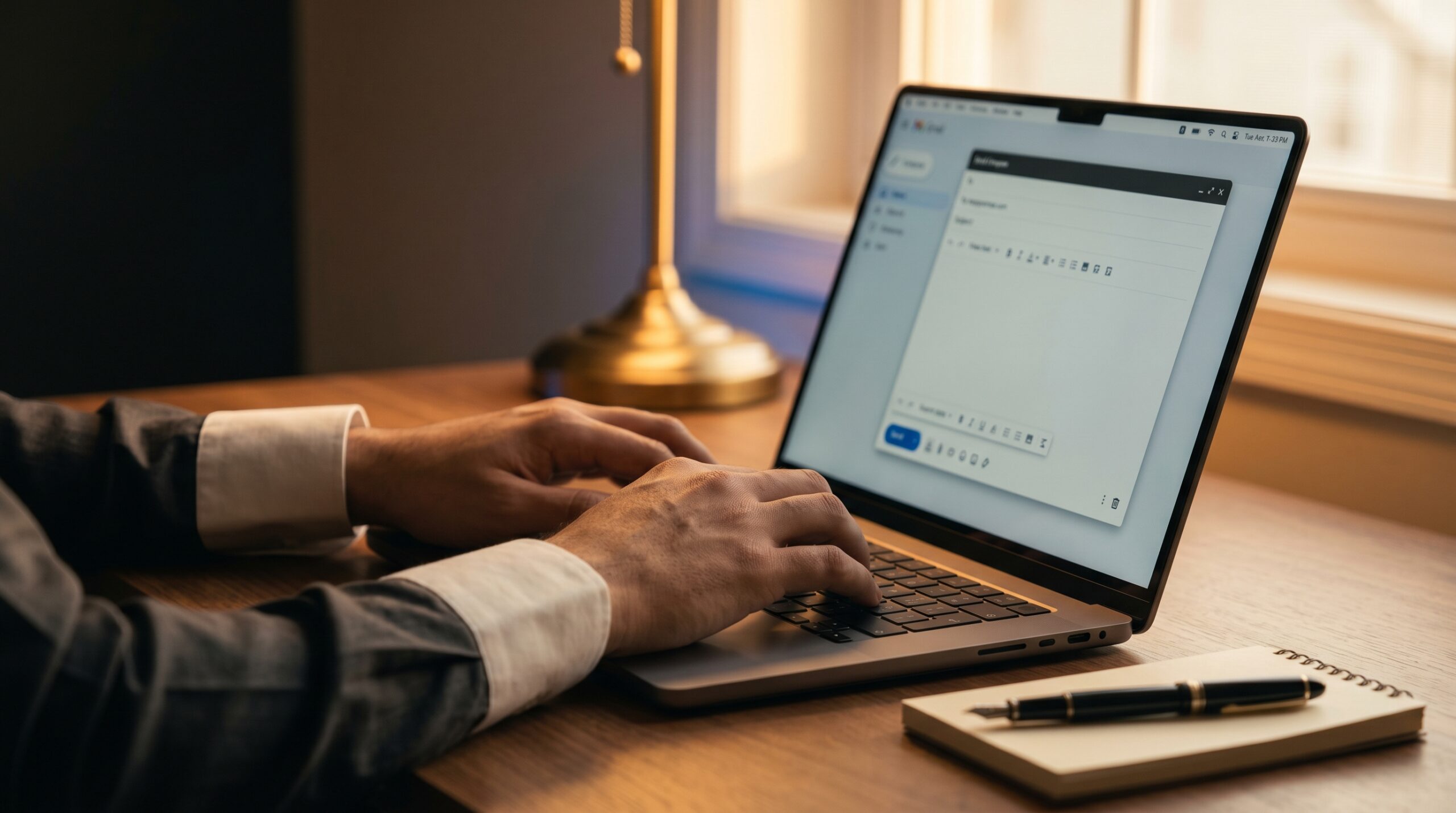
Your Email Address Is Costing You Work — And You Don’t Even Know It
Before a client reads your proposal, before a recruiter opens your CV, before anyone decides whether to trust you with their business — they see your email address.
And in that one glance, a judgment is already forming.
I have seen this more times than I can count. A talented professional. A capable freelancer. A young entrepreneur with real skills and genuine ambition — reaching out from bilamoos8957@gmail.com or princerana_cool@yahoo.com. And before a single word of their message is read, their credibility has already taken a hit.
I am not saying this to embarrass anyone. We all created those emails. We were students. We were having fun. The name was easy, the email was free, and nobody was thinking about professional reputation at seventeen years old.
But you are not seventeen anymore.
And if that same email address is still representing you in client conversations, job applications, and business communications — it is quietly working against everything you are trying to build.
Your email is not a small detail. It is part of your professional identity. It signals how seriously you take yourself — and by extension, how seriously others should take you.
Here is how to fix it, properly and permanently.
Step 1 — Create a new, professional email address. Keep it clean and simple. Your name, or a close variation of it, is always the best starting point. Avoid numbers — they make addresses look temporary and careless. If your preferred name is taken, try prefixes like m., moh., or mohd. (short for Muhammad) before your name. You can also try hello., iam., or its. — these are clean and widely used. If your work has a professional identity, add it meaningfully: designer., engr., tech. — but only if it genuinely reflects what you do.
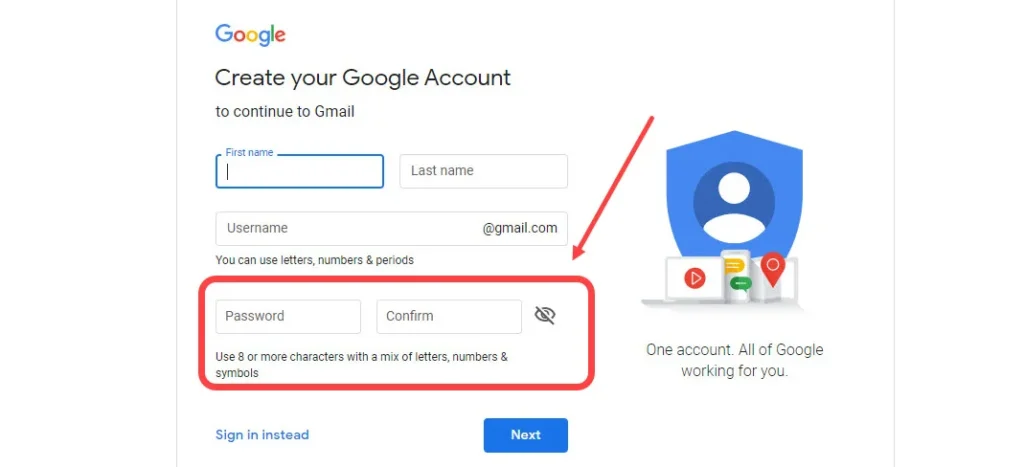
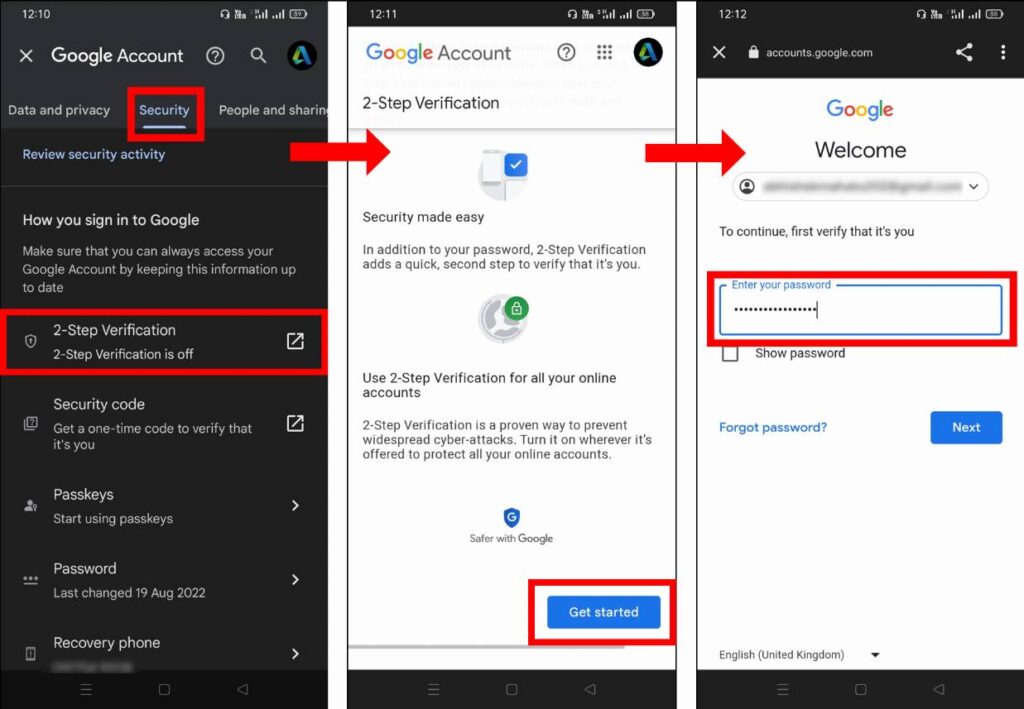
Step 2 — Secure it properly. Enable two-step verification immediately. Add a working recovery email and phone number. Use an authenticator app for an additional security layer. Save your backup codes somewhere safe. Your email is the key to almost everything digital in your life — protect it like one.
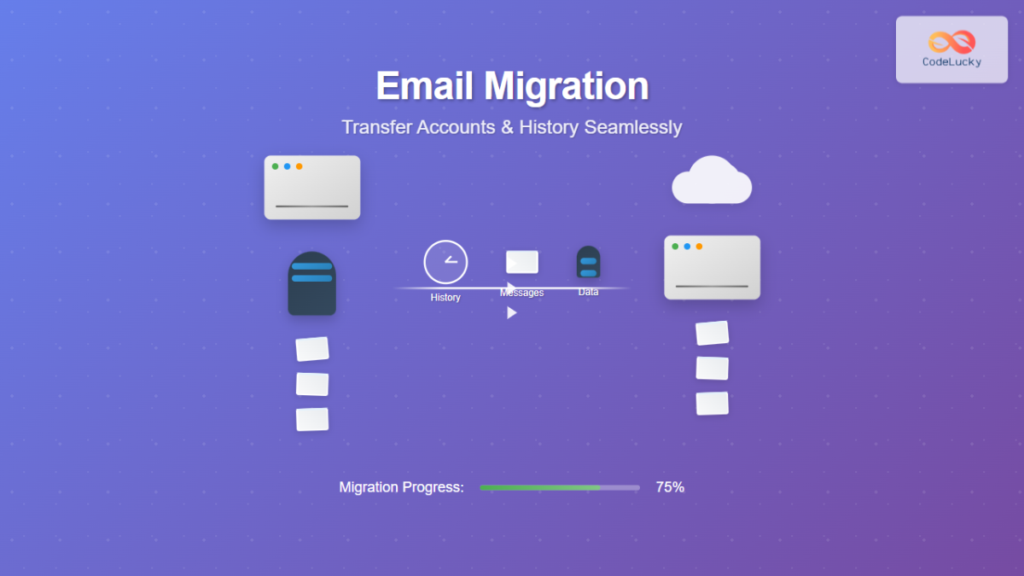
Step 3 — Migrate your history. Import your old emails into the new account. Move your important files, photos, and documents — Drive, Dropbox, or wherever they live — to the new account as well. Do not leave your professional history scattered across a forgotten inbox.
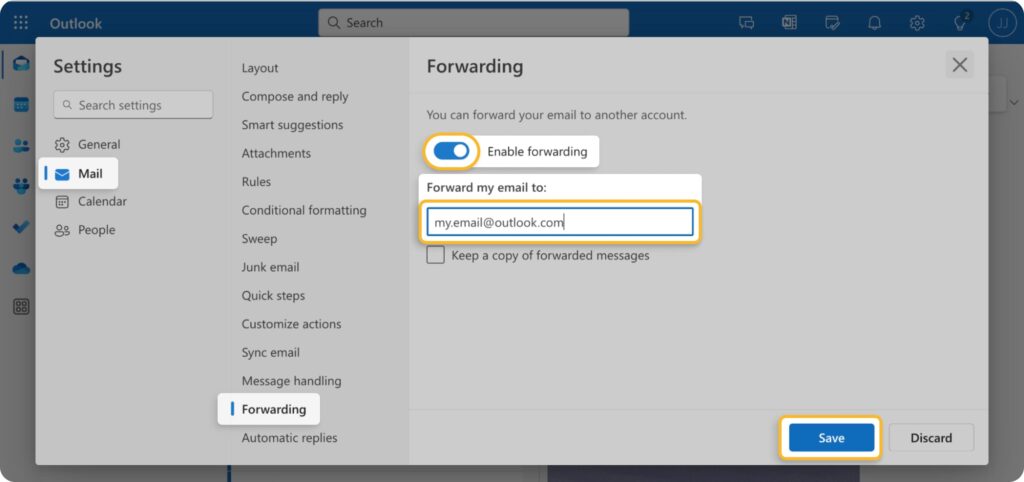
Step 4 — Set up a bridge from the old to the new. Add a redirect so that any emails landing in your old account automatically forward to the new one. Set up an auto-reply on the old address informing contacts of your new email. Keep it brief, clear, and professional.
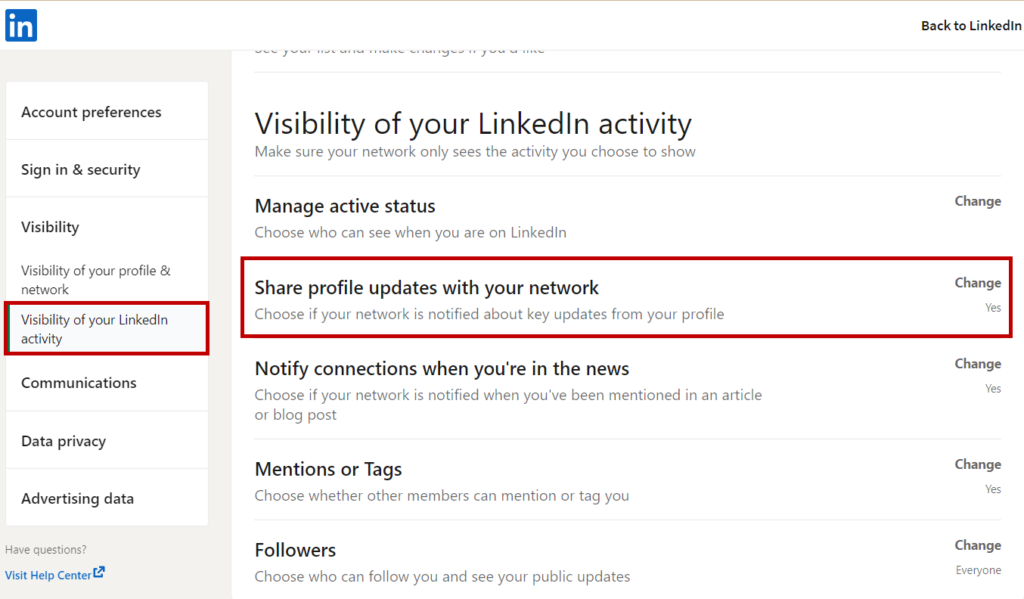
Step 5 — Update everywhere that matters. LinkedIn. Instagram. Facebook. Any platform where you exist professionally. Update your email there. Then send a short, direct message to the contacts you work with regularly — let them know you have moved, and give them the new address.
Step 6 — Make the switch complete. Stop sending from the old address. The new email is now your professional identity. Sign in to your browsers on all devices with the new account. Confirm that two-step verification is working across all of them.
One more thing — and this is important: write down all the details of your new account somewhere safe. The email address, password, backup codes, recovery information, date of birth used during signup. All of it. Losing access to your primary email is not a minor inconvenience. Treat this information with the same care you would give any important document.
This entire process takes a few hours. Most people put it off for years.
The professionals who move quickly on small things like this are usually the same ones who move quickly on big things too. Attention to how you present yourself — in every detail, including the one at the bottom of your email — is part of the discipline of being taken seriously.
You have worked hard to build your skills. Let your first impression match them.
— Kamran Zahid, CEO, Purposelee

Responses